Current Slide: 1 /
1
Unlock High-Performance Workplaces with Q-SYS and Microsoft

Power High-Performance Workplaces
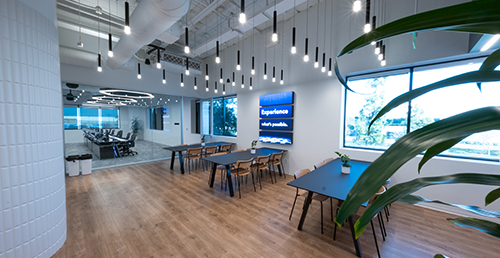
Enhance employee experiences from the moment they enter the building and throughout their day–bringing every space to life with background music, digital signage, and environmental controls.

Collaborate Across Every Space
Deliver outstanding collaboration in Microsoft Teams Rooms with intelligent AV including AI-based presenter tracking, room control, and automation.

Monitor and Manage Your Estate
Operationalize your AV and IT workflows with data from Q-SYS Reflect alongside the Microsoft Teams Pro Management portal.

Featured News
QSC Joins the Microsoft Device Ecosystem Platform
Learn how this significant milestone strengthens our collaboration with Microsoft, enabling tighter integration and greater confidence for organizations deploying Q-SYS solutions at scale.
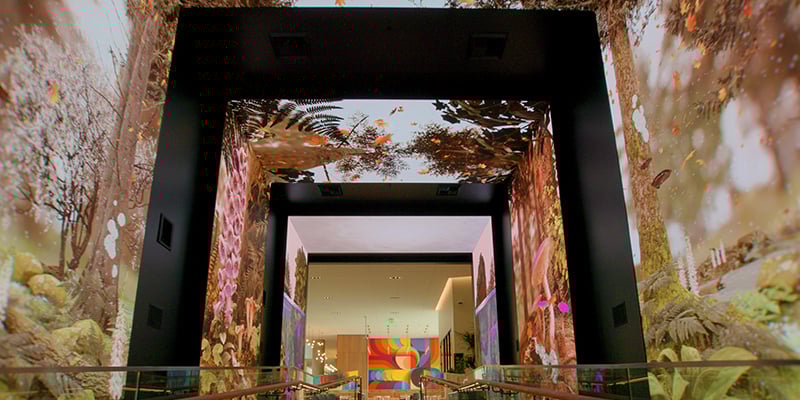
The Next Workplace Platform Isn’t a Room—It’s an Experience Layer
Learn how Microsoft Experience Center One leveraged the Q-SYS Full Stack AV Platform to unify audio, video, control, monitoring, and room automation into a centralized, network first architecture and what it suggests about the future of high-performance workplaces.
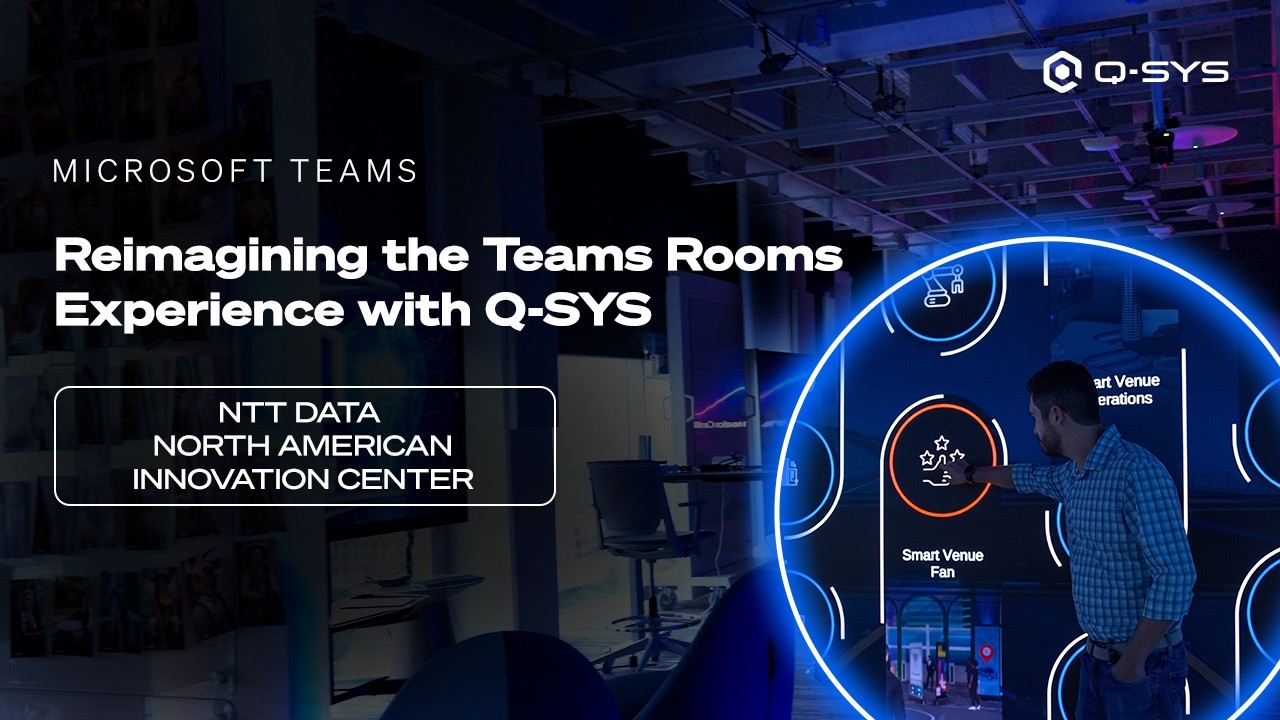
NTT DATA Powers Microsoft Teams Spaces with Q-SYS
See how NTT DATA uses Q-SYS VisionSuite and networked PTZ cameras to create immersive, flexible Microsoft Teams experiences at its North American Innovation Center.
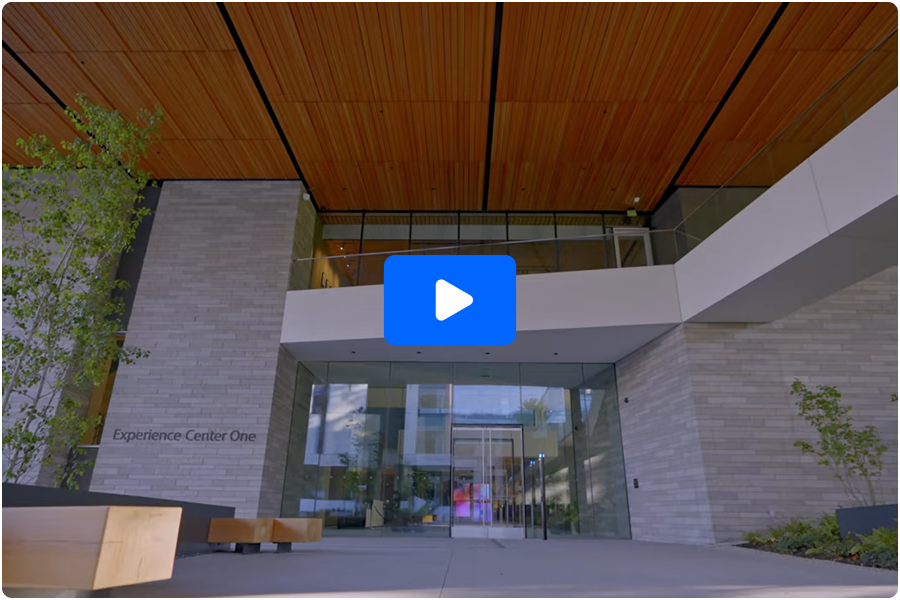
Q-SYS Case Study
Microsoft Experience Center One
Step inside Microsoft’s Experience Center One – a flagship facility in Redmond, WA designed to showcase the AI-Powered Workplace. This case study explores how Q-SYS worked with Microsoft to deliver a future-ready environment that redefines collaboration, engagement, and customer experience. From the moment visitors arrive, Experience Center One delivers a connected journey across ambient, curated, and collaborative spaces powered by the Q-SYS Full Stack AV Platform.
Power High-Performance Workplaces
Choose from a wide range of Teams-certified audio, video, and control solutions, including Q-SYS partner devices, to optimize the Teams Rooms experience across your high-performance workplaces.

-
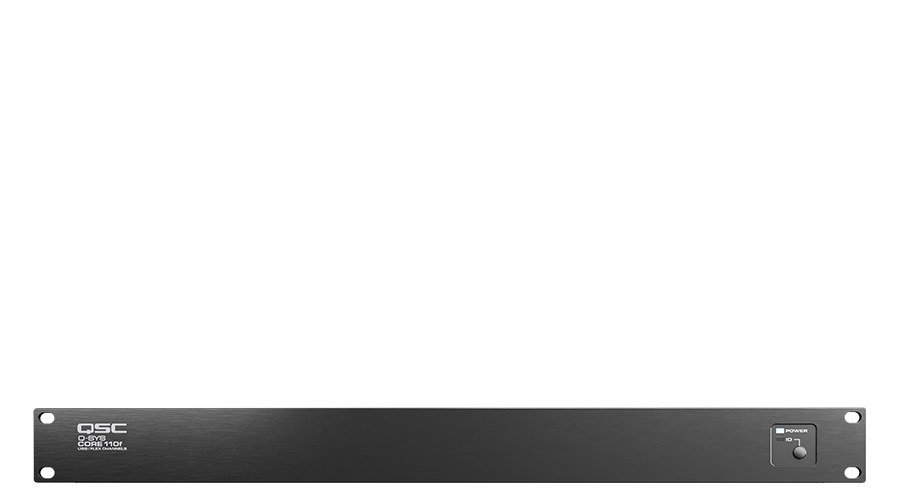
Core 110f
Integrated AV&C processor
-
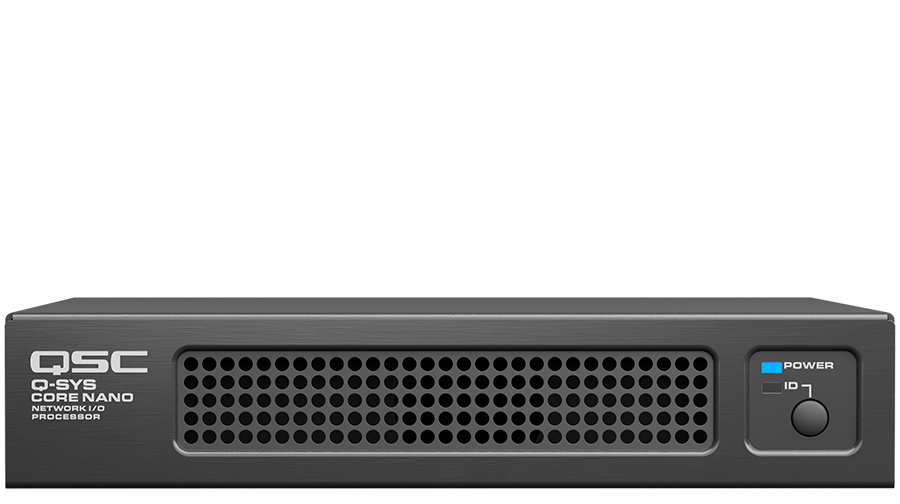
Core Nano
Network I/O processor
-
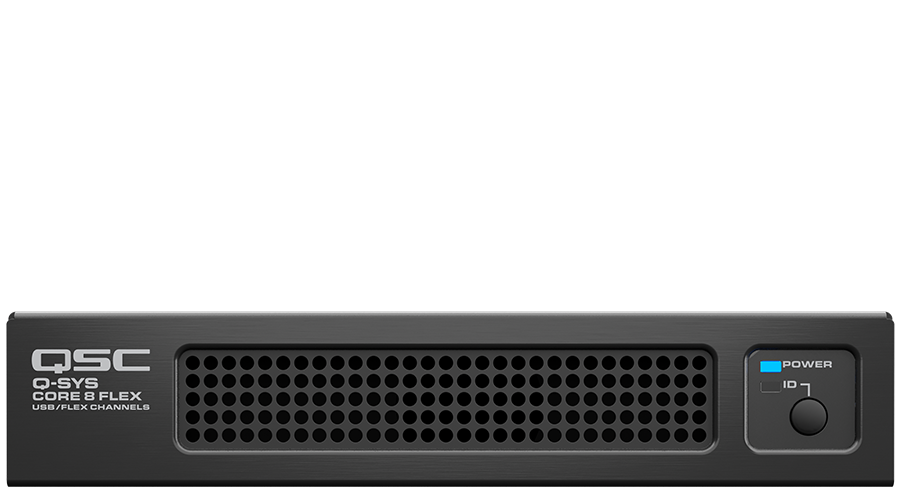
Core 8 Flex
Network + analog I/O processor
-
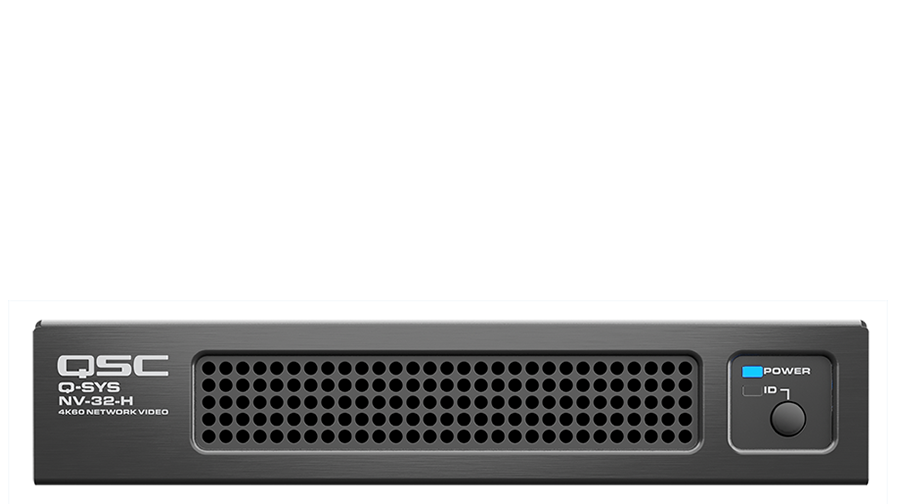
NV-32-H (Core Capable)
Network + analog I/O processor with integrated HDMI switcher
-
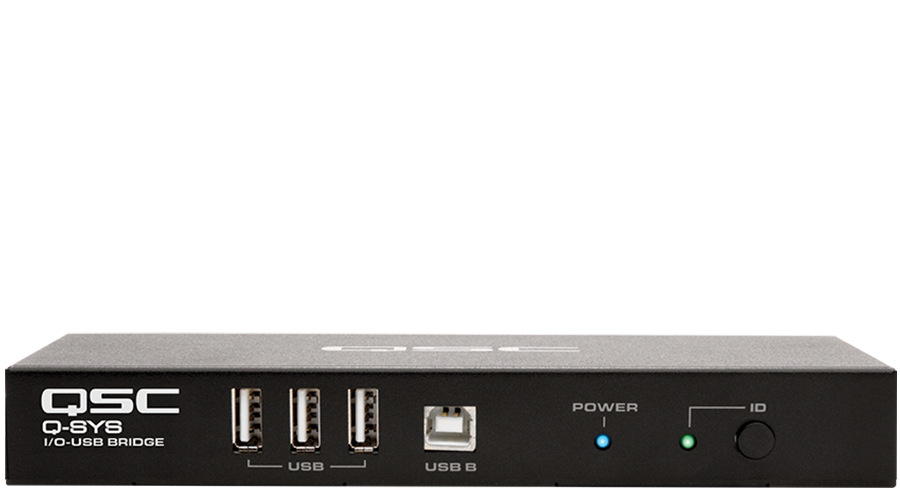
Q-SYS I/O USB Bridge
AV-to-USB bridging interface
-
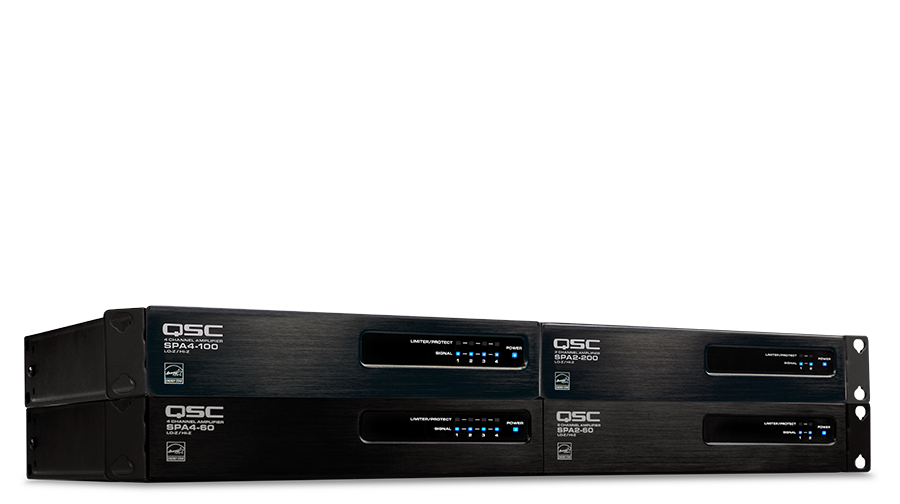
SPA Series
Two and four-channel amplifiers
-
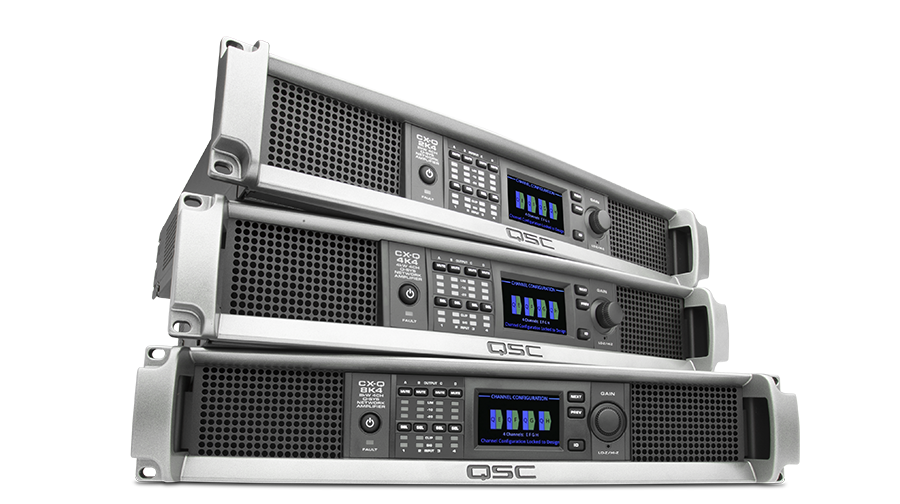
CX-Q Series
Network amplifiers for Q-SYS
-
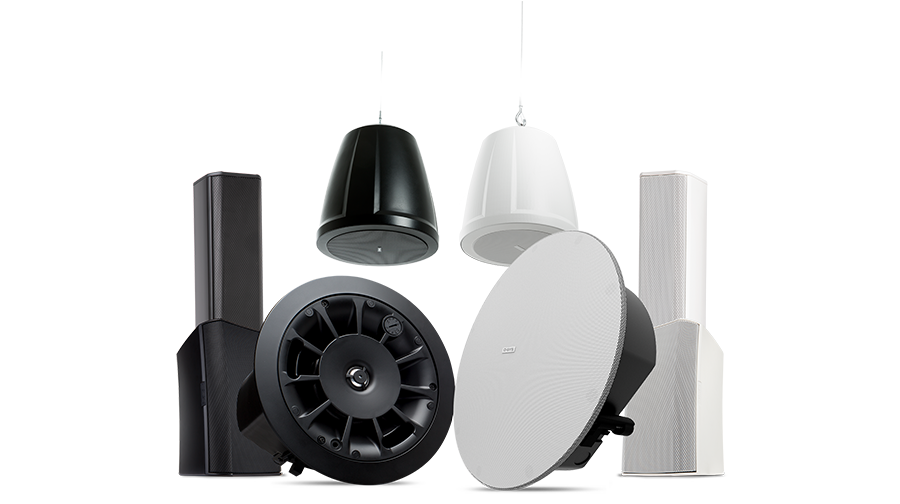
AcousticDesign Series
High-performance loudspeakers
-
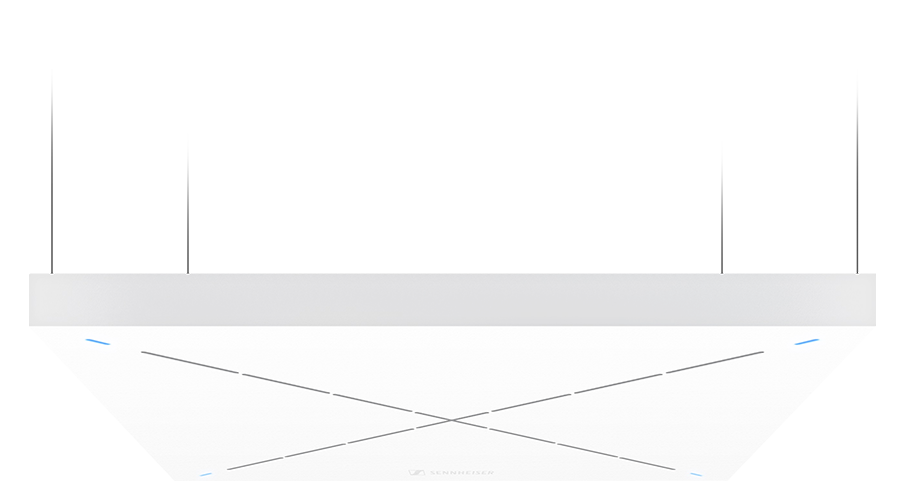
Sennheiser
TeamConnect Ceiling 2 network microphone with Q-SYS control plugin
-
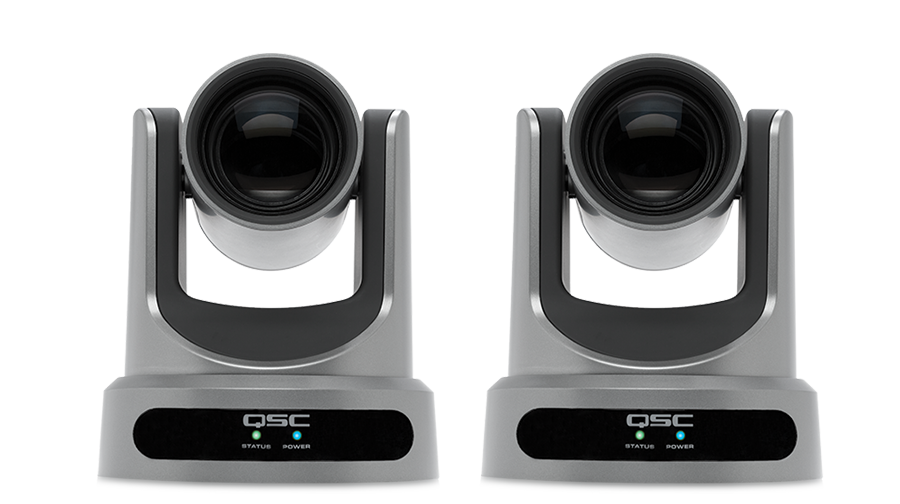
PTZ-IP Series
Network conference cameras
-
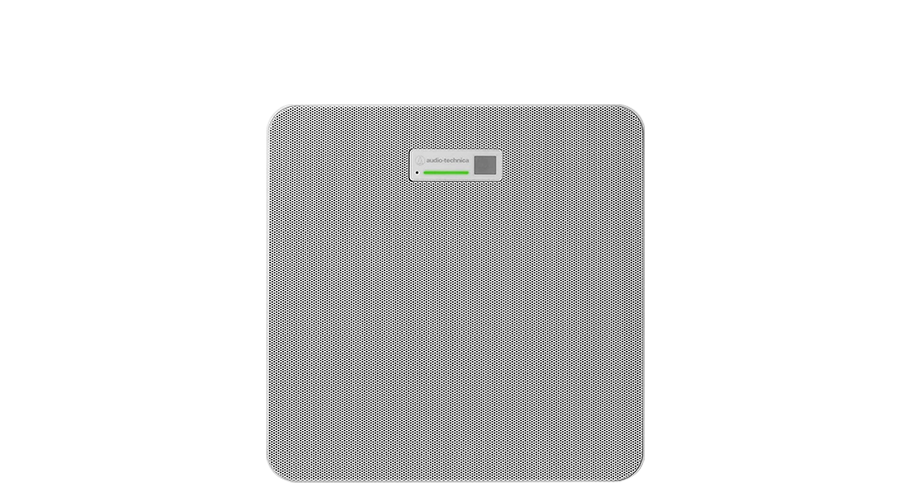
Audio-Technica
ATND1061 ceiling array microphone
-
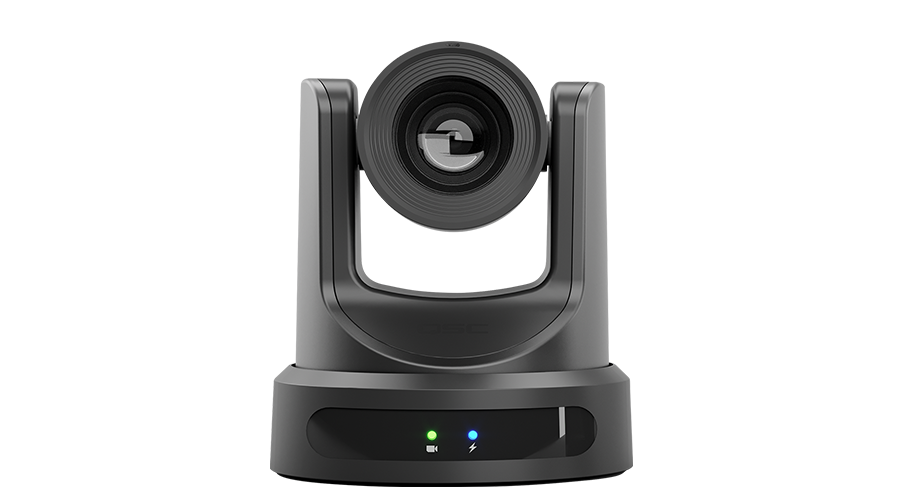
NC Series
Network PTZ camera
-
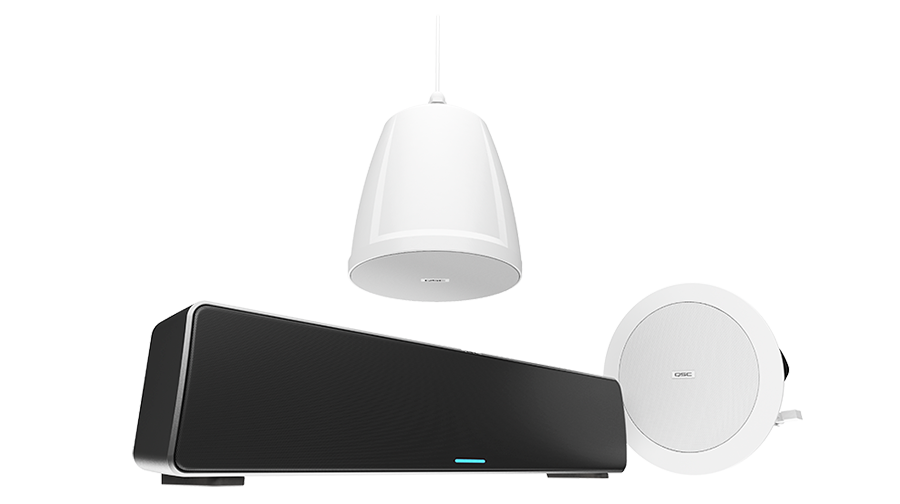
NL Series
Network PoE loudspeakers
-
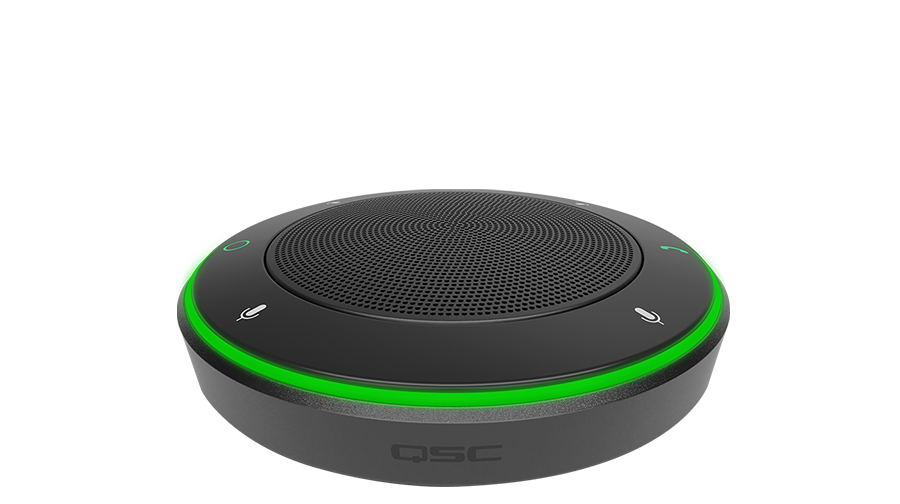
NM-T1
Tabletop network PoE microphone
-
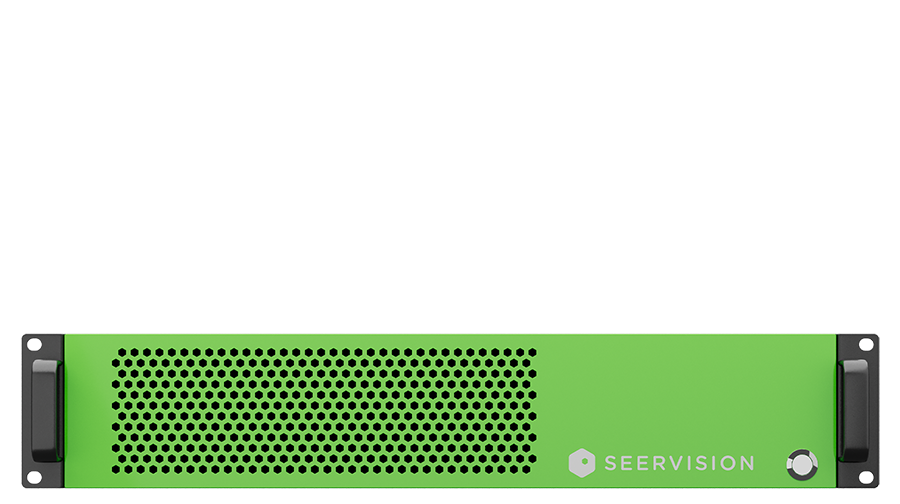
VisionSuite AI Accelerator
Intelligent presenter tracking
-
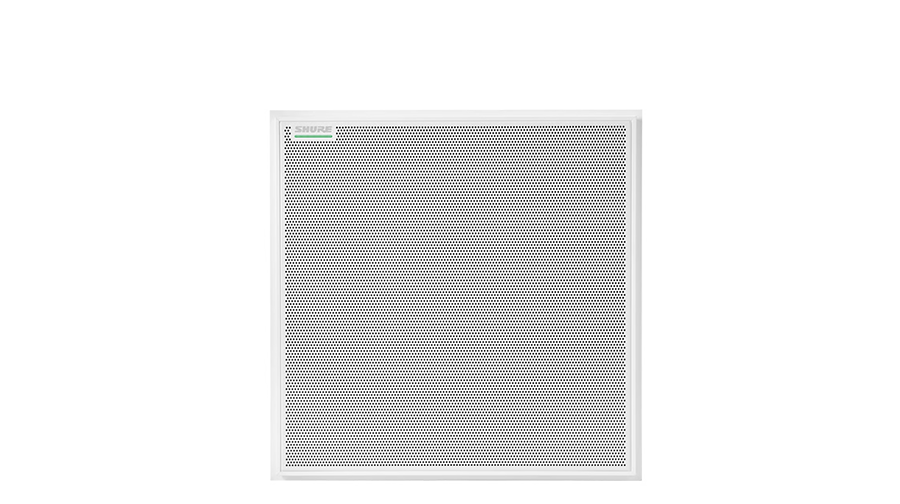
Shure
MX920 ceiling array microphone
-
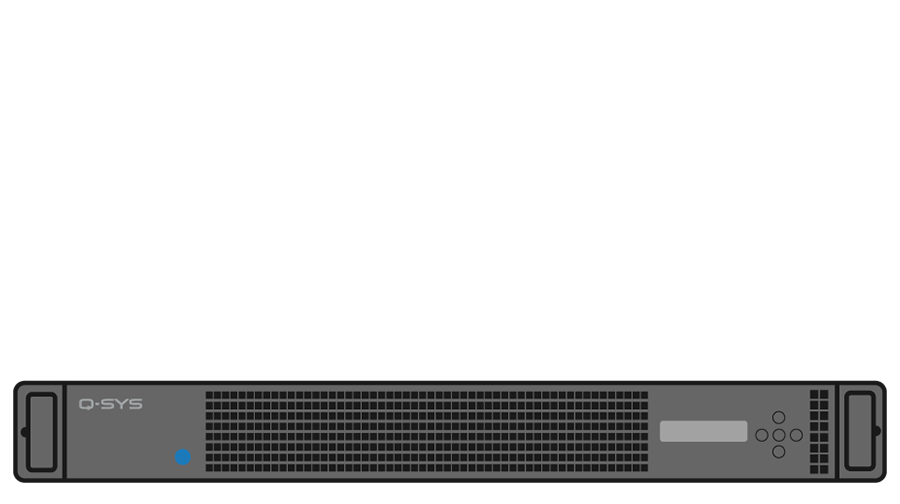
VSA-100
Q-SYS VisionSuite AI Accelerator
-
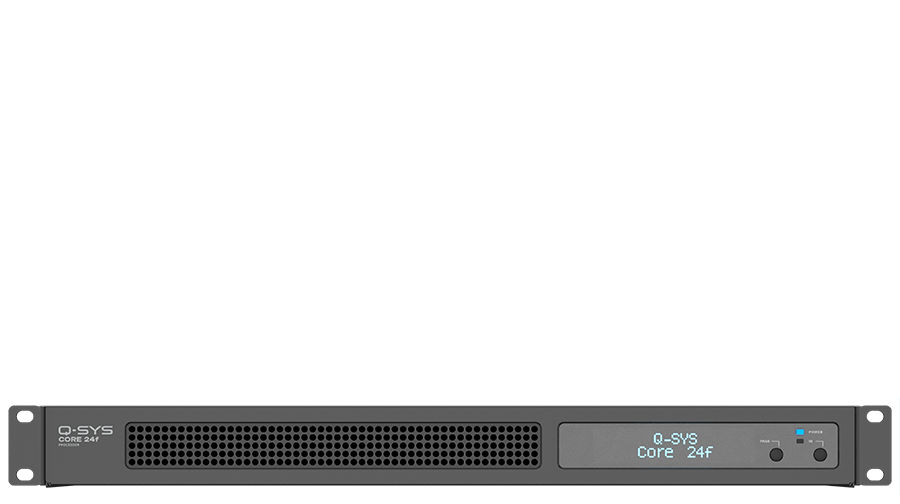
Core 24f
Network + analog I/O processor
-
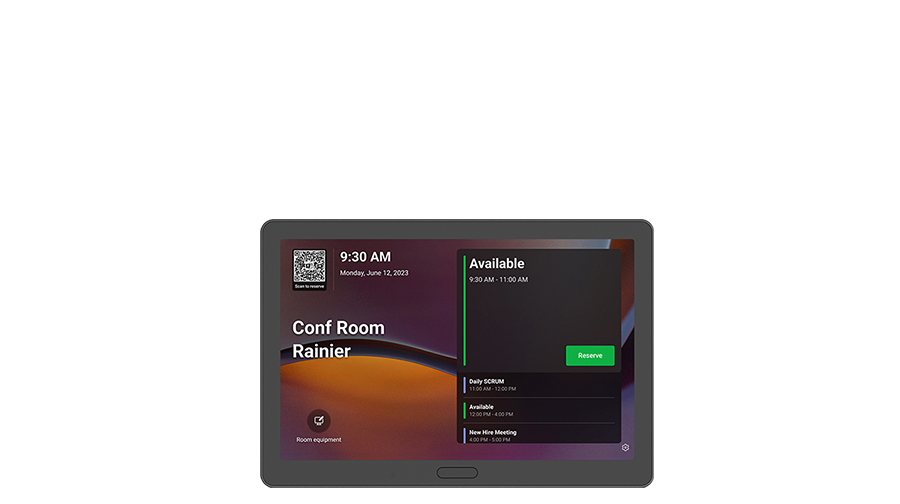
Scheduling Panel (QSP11)
Make room booking simple and intuitive
-
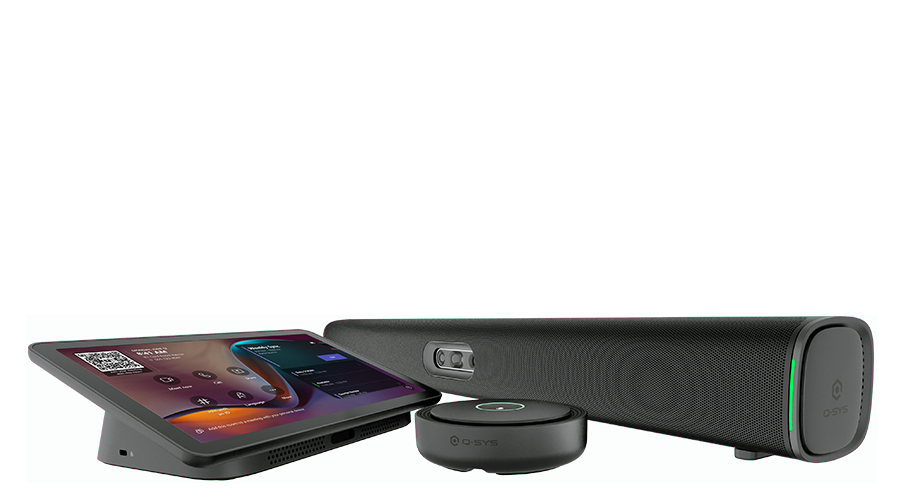
Q-SYS RoomSuite Collaboration Bar
A Windows-based Workplace Solution
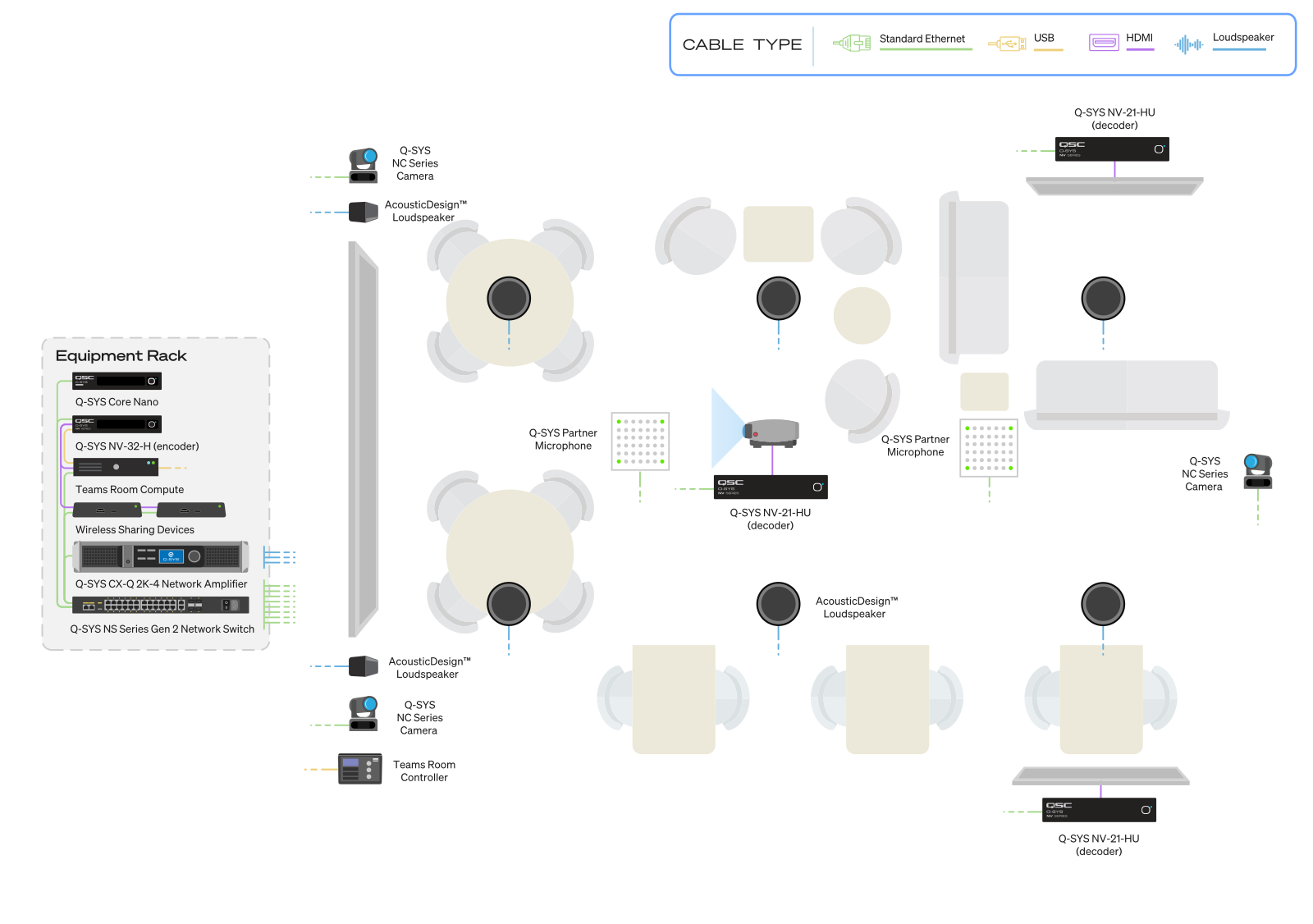
Microsoft Teams Room Control
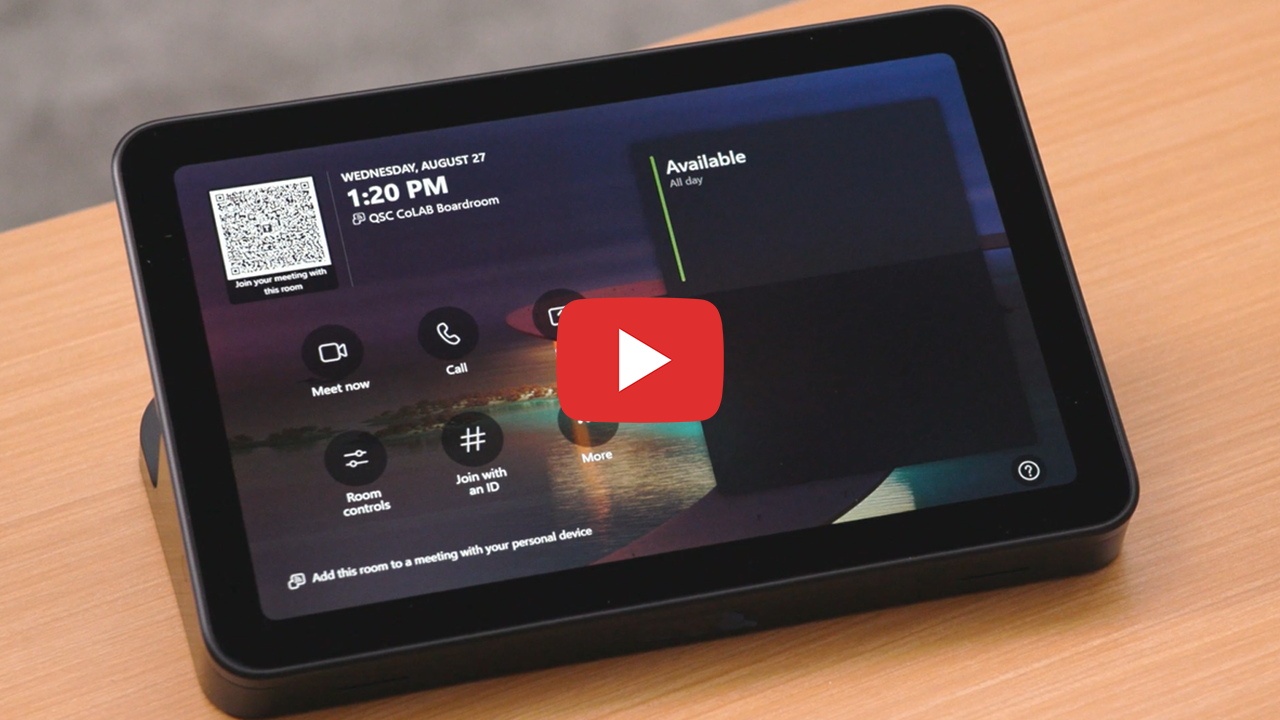
- Q-SYS Control for Microsoft Teams Rooms application: Software application runs on the Teams Compute to enable both room AV controls and Teams call control on a connected Teams Console. Allows for customization of in-room controls to deliver a intuitive user experience.
- Microsoft Teams CSS Style: replicates the Teams look and feel that users are familiar with on the Q-SYS user control interface (UCI).
Collaborate Across Every Space
Outfit your collaboration spaces with the optimal audio, video, and control solutions for elevated experiences.
Simplicity and Scale
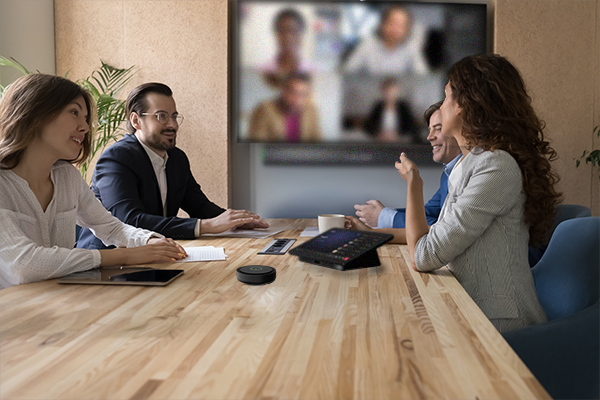
The Q-SYS RoomSuite Collaboration Bar and expansion devices add the ability to support conference rooms where a single camera location and simplified audio options meet the needs of common, highly repeatable spaces. It’s an all-in-one, Windows-based solution for Microsoft Teams Rooms that combines four 50 MP cameras, built-in audio, and a 10.9-inch touchscreen for intuitive meeting and device control.
Built on the Microsoft Device Ecosystem Platform, the Q-SYS Scheduling panel (QSP-11) is a certified for Teams solution designed to make room scheduling and booking simple and intuitive. It integrates with any Q-SYS system through Q-SYS Reflect and can be easily installed on conference room exteriors, walls, or glass surfaces.
Make Every Experience Count
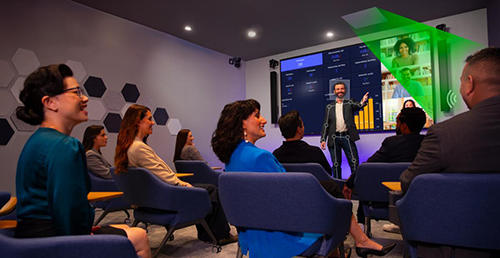
Q-SYS VisionSuite brings AI-driven room automation and dynamic, autonomous camera framing, enabling more natural and engaging meeting experiences.
- Want to see Q-SYS VisionSuite in action? Fill out the form to request a demo.
- Ready to get started with Q-SYS VisionSuite fundamentals? Start training here
- Solutions Overview Guides
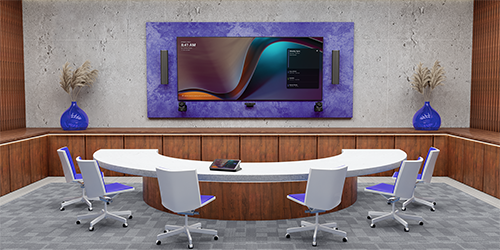
Make Meetings More Natural and Reduce Meeting Fatigue
Q-SYS delivers the first certified for Microsoft Teams solution supporting Spatial Audio in a Microsoft Teams Room.
- Solution Overview Guide provides information on how to deploy certified Microsoft Teams Rooms with spatial audio
- Sample Design assists users with setting up audio in their room available in Q-SYS Designer Asset Manager
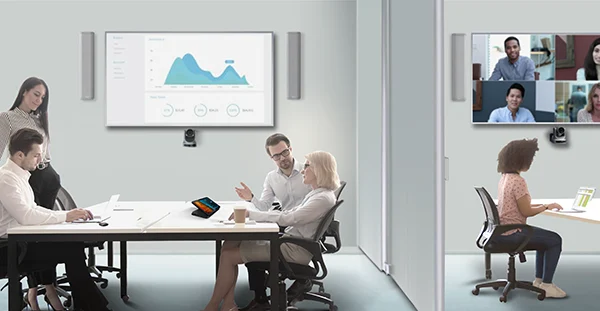
Bring Compute to High-Impact Spaces
The Q-SYS UC Compute Bundle G2 for Microsoft Teams Rooms is a certified solution that brings together Lenovo room compute solutions with Q-SYS audio, video, and control to provide a highly scalable and seamless user experience. The bundle includes:
- Q-SYS UC Compute (Lenovo ThinkSmart Core) which hosts Microsoft Teams Rooms
- Q-SYS UC Controller (Lenovo 10.1-inch CAT-extended controller) that provides UC call control and AV
room control on a single device. - Q-SYS Microsoft Teams Room Integration Feature License
- 1-Year of IT Deployment Support
Monitor and Manage Your Estate
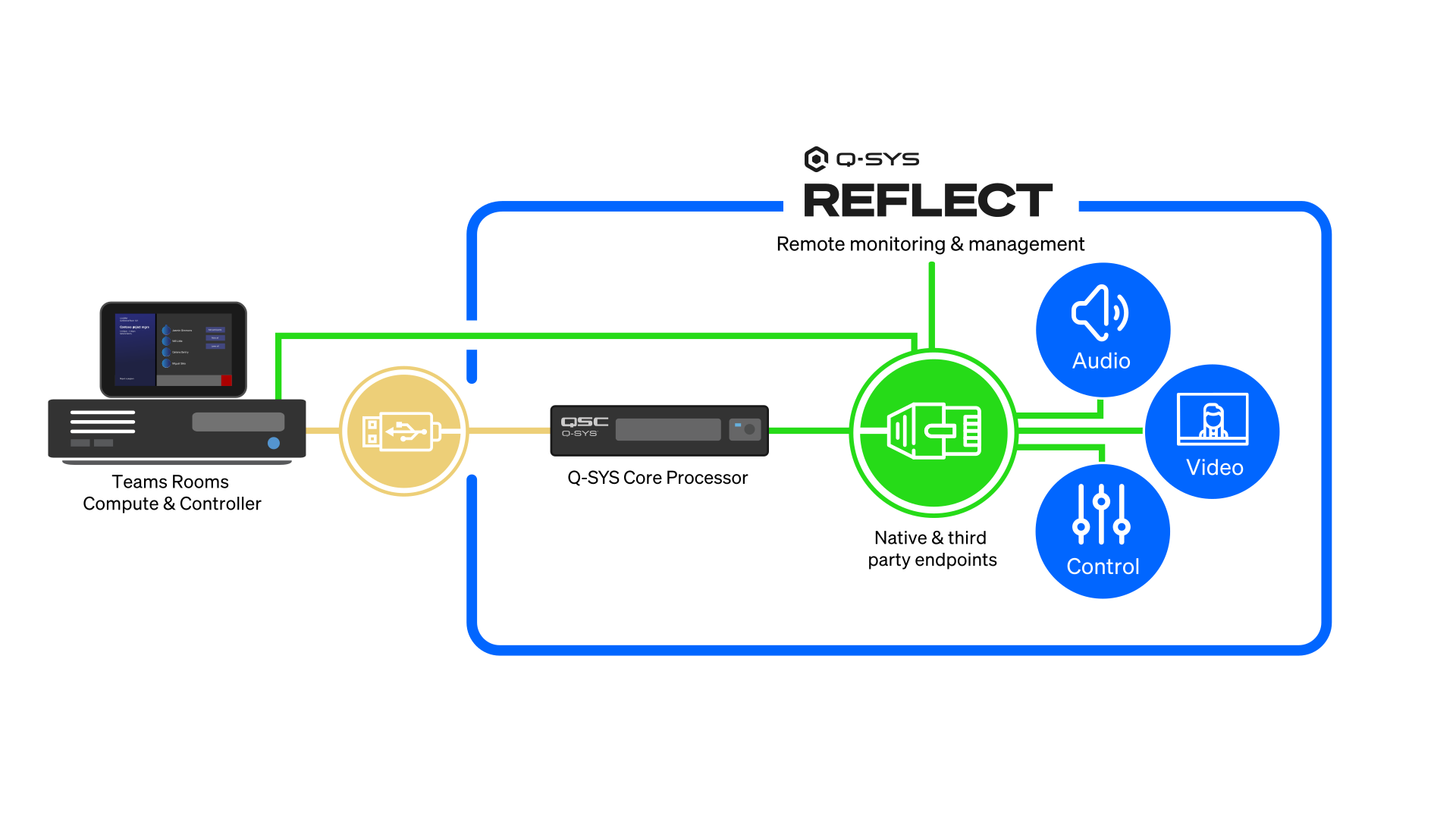
Q-SYS Reflect is a powerful tool that works alongside the Microsoft Teams Rooms Pro Management portal, transforming usage data into actionable insights that streamline IT workflows and elevate management across high-performance workplaces.
Q-SYS is a Microsoft Places Data Integration Partner
This collaboration will accelerate integration between Q-SYS cloud-enabled solutions and Microsoft Places, with Q-SYS Reflect acting as connective highway for data-rich insights from both native Q-SYS devices and verified assets from the Q-SYS Partner Ecosystem into the Microsoft Places environment, supporting insights into booking, space planning, and workplace optimization.
Resources

Videos
Explore the latest video topics on how Q-SYS integrates with Microsoft Teams.

Solutions Overview Guides
Provides an introduction to Teams-certified Q-SYS devices for your Microsoft Teams Rooms, based on room type.

Teams Room Control Components
Download Q-SYS Control for Microsoft Teams Rooms components (Q-SYS Designer Software 9.0 is required!)

Sample Q-SYS Designer Files
Pre-configured Q-SYS Designer files can be downloaded from Asset Manager, found in Q-SYS Designer Software.

Q-SYS Knowledge Base
Discover more about how to deploy Microsoft Teams Rooms with Q-SYS.
| Title | |
|
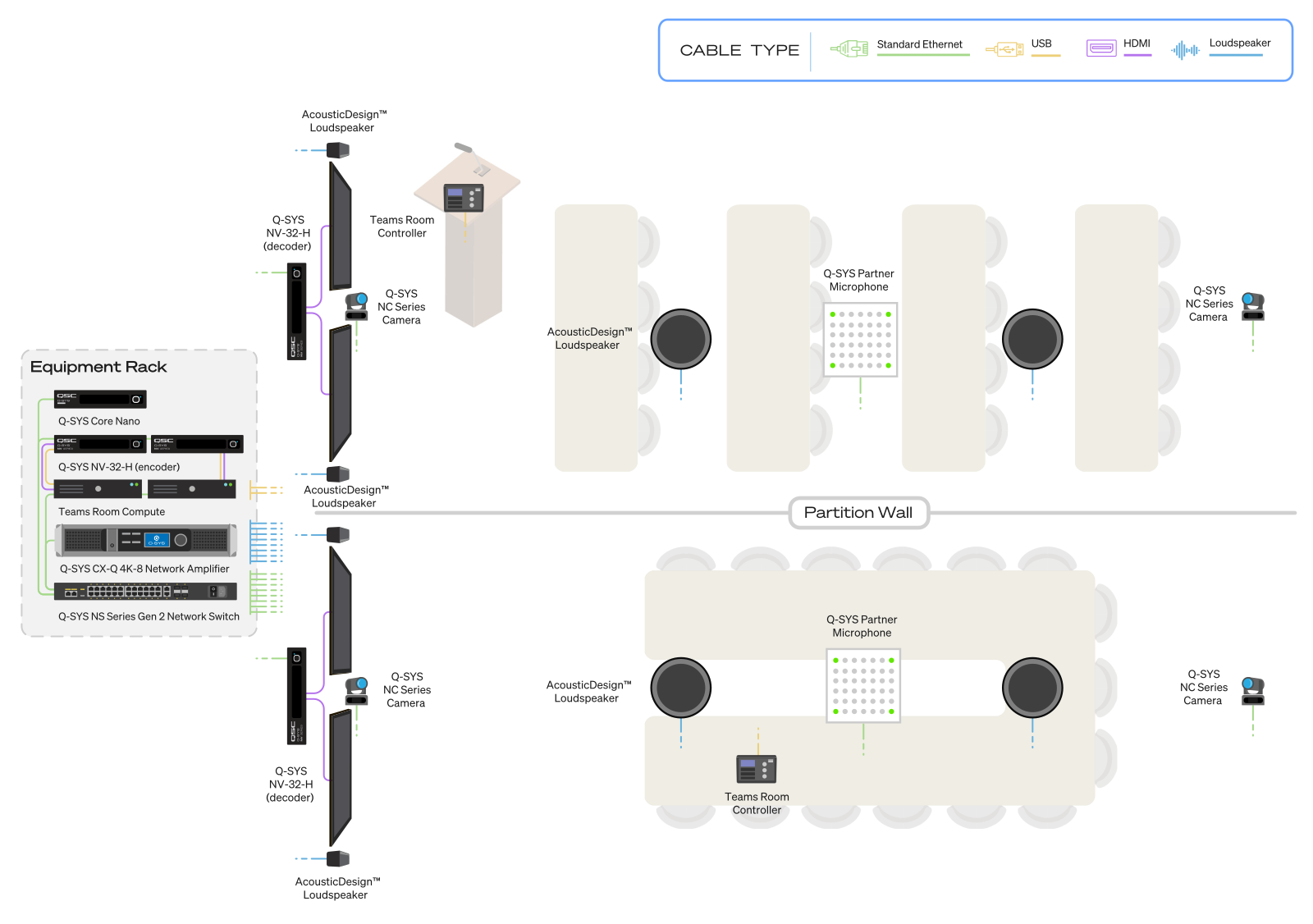
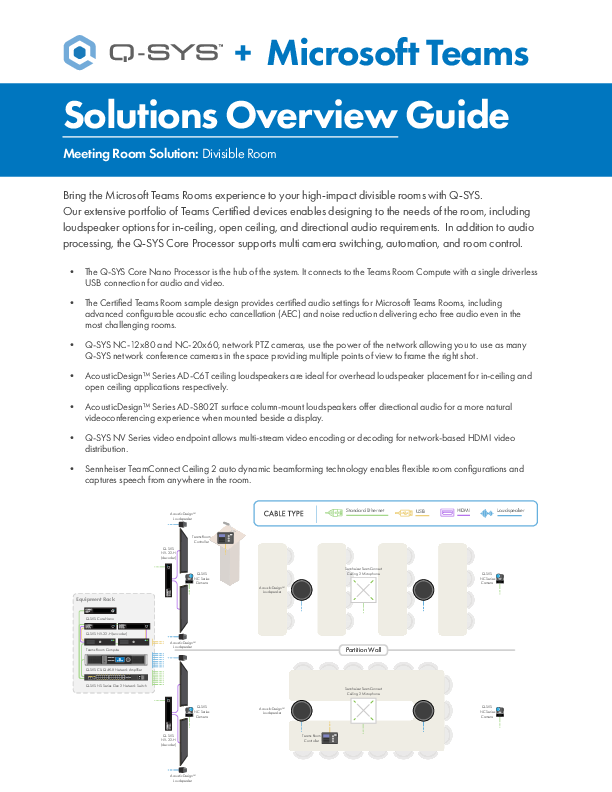
Q-SYS + Microsoft Teams Solutions Overview Guide: Divisible Room
Provides an introduction to the main elements to bring the Microsoft Teams Rooms experience to your high-impact divisible rooms with Q-SYS
Available for download in Chinese (Simplified) | French | German | Spanish |
| Title | |
|
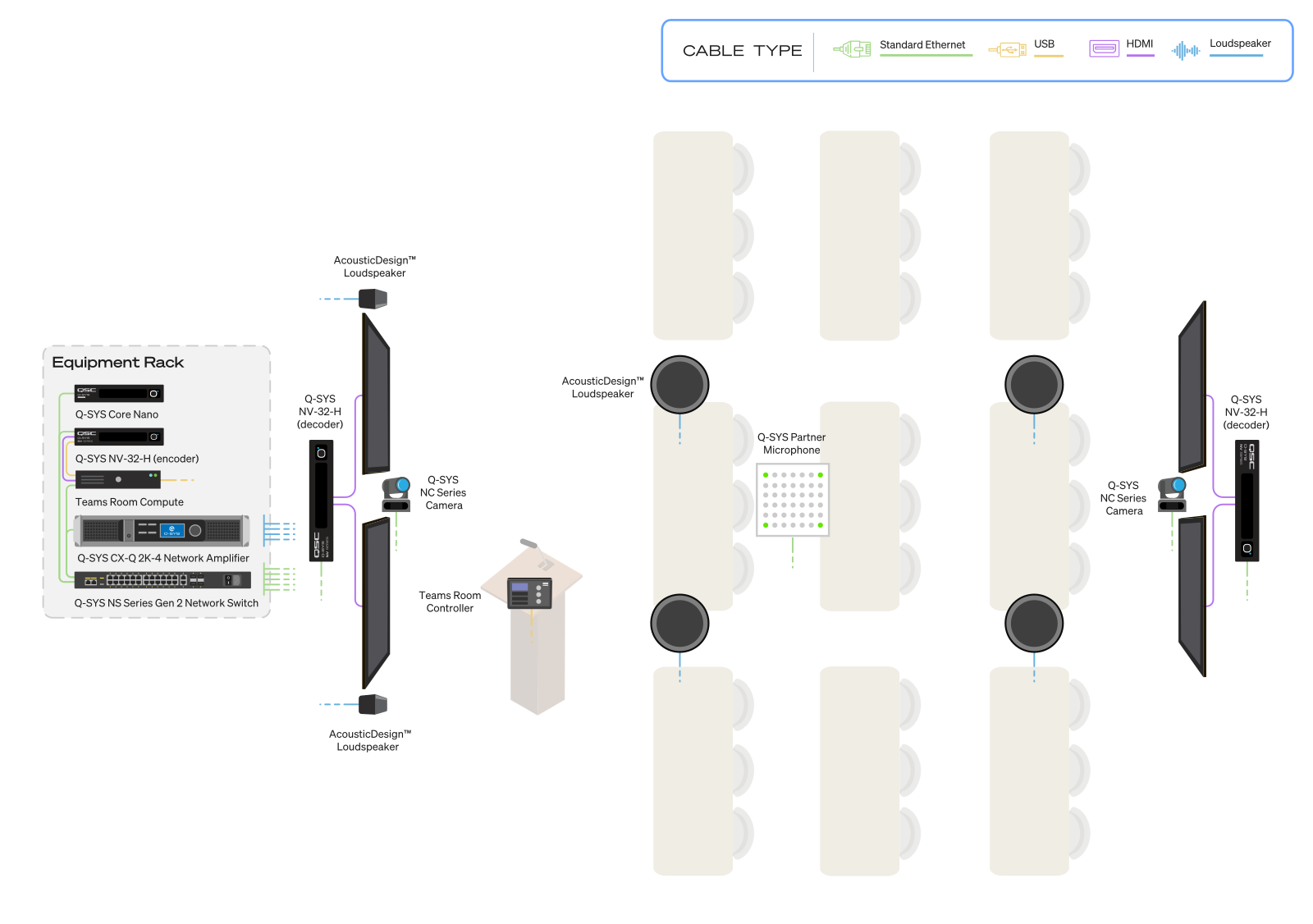
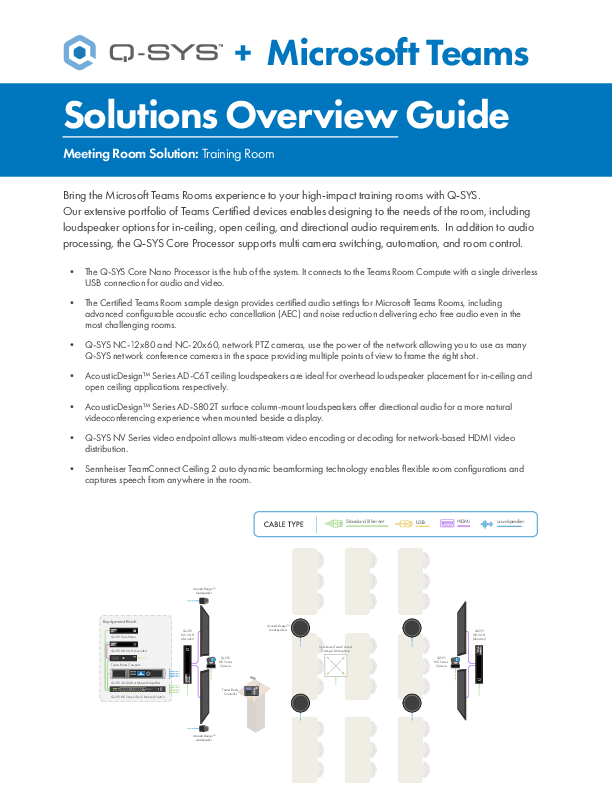
Q-SYS + Microsoft Teams Solutions Overview Guide: Training Room
Provides an introduction to the main elements to bring the Microsoft Teams Rooms experience to your high-impact training rooms with Q-SYS
Available for download in Chinese (Simplified) | French | German | Spanish |
| Title | |
|
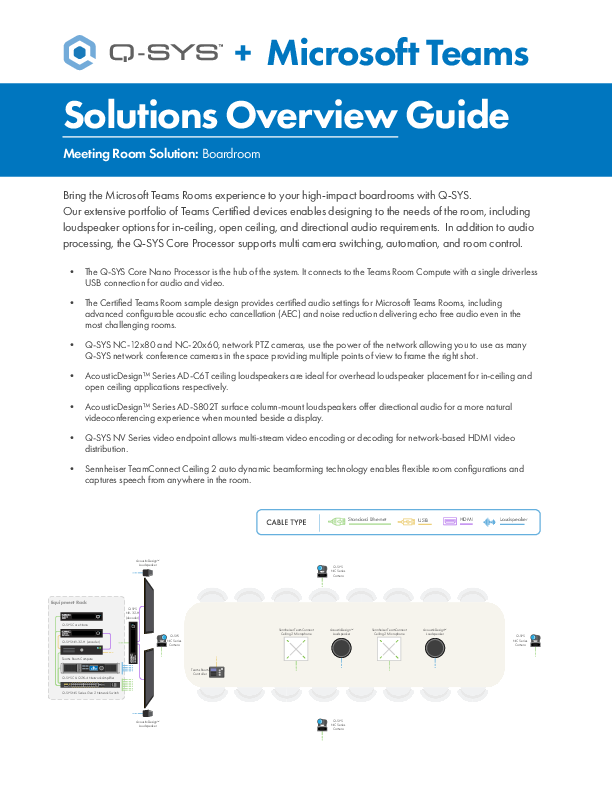
Q-SYS + Microsoft Teams Solutions Overview Guide: Boardroom
Provides an introduction to the main elements to bring the Microsoft Teams Rooms experience to your high-impact boardrooms with Q-SYS
Available for download in Chinese (Simplified) | French | German | Spanish |
| Title | |
|
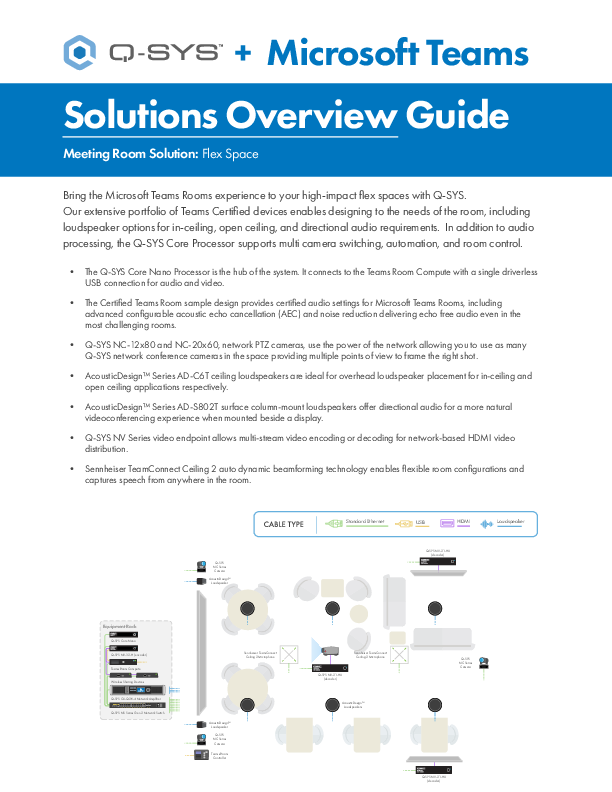
Q-SYS + Microsoft Teams Solutions Overview Guide: Flex Space
Provides an introduction to the main elements to bring the Microsoft Teams Rooms experience to your high-impact flex spaces with Q-SYS
Available for download in Chinese (Simplified) | French | German | Spanish |
| Title | |
|
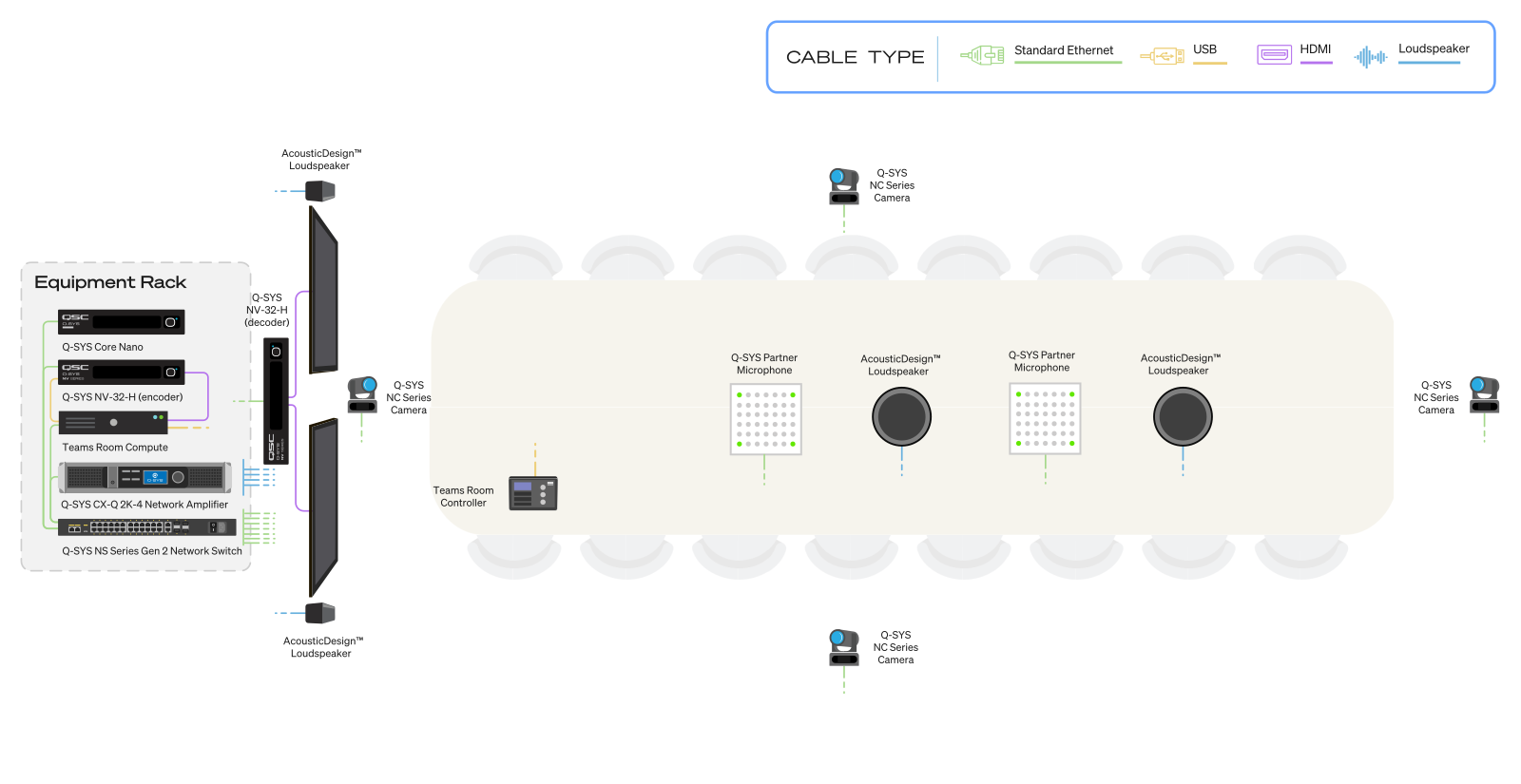
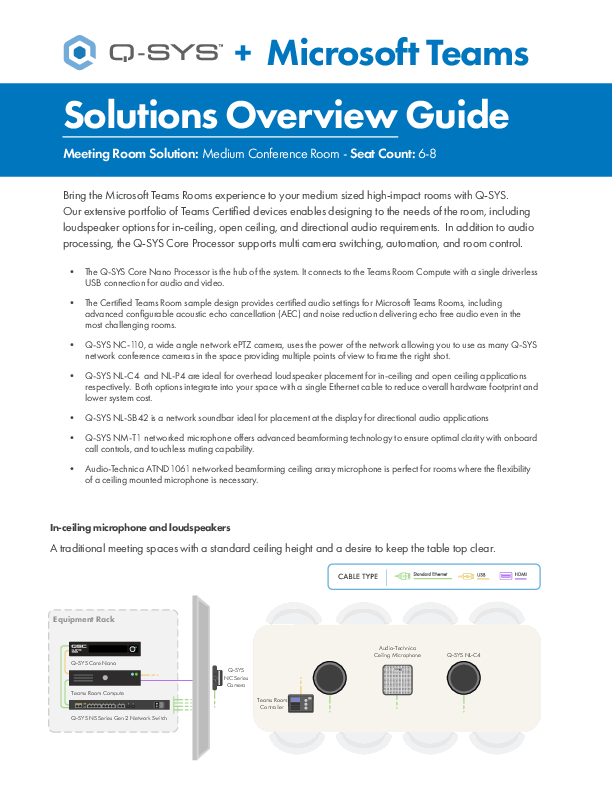
Q-SYS + Microsoft Teams Solutions Overview Guide: Medium Conference Room
Provides an introduction to the main elements to bring the Microsoft Teams Rooms experience to your medium sized high-impact rooms with Q-SYS.
Available for download in Chinese (Simplified) | French | German | Spanish |
| Title | |
|
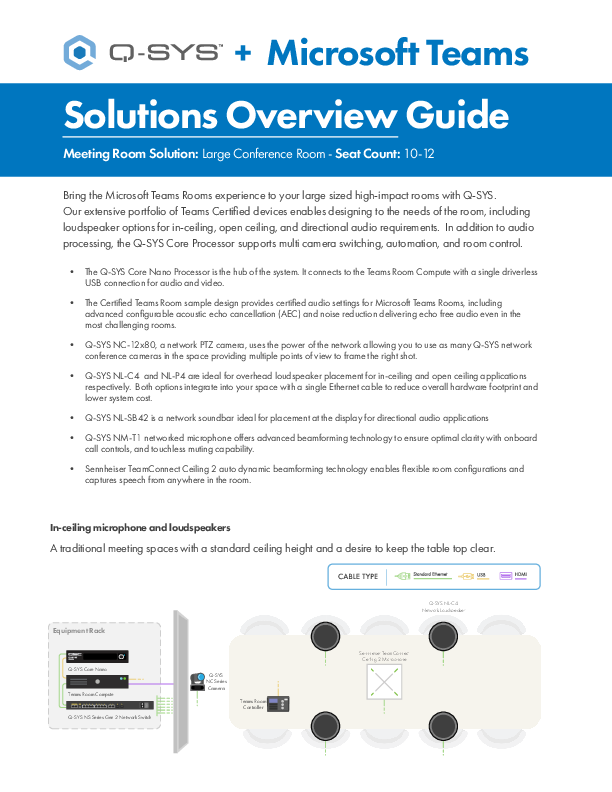
Q-SYS + Microsoft Teams Solutions Overview Guide: Large Conference Room
Provides an introduction to the main elements to bring the Microsoft Teams Rooms experience to your large sized high-impact rooms with Q-SYS
Available for download in Chinese (Simplified) | French | German | Spanish |
| Title | |
|
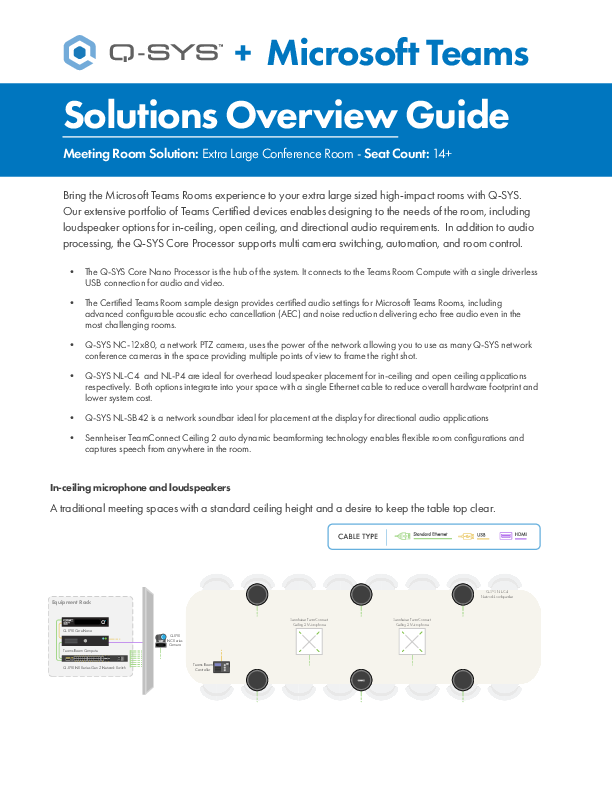
Q-SYS + Microsoft Teams Solutions Overview Guide: Extra Large Conference Room
Provides an introduction to the main elements to bring the Microsoft Teams Rooms experience to your extra large sized high-impact rooms with Q-SYS
Available for download in Chinese (Simplified) | French | German | Spanish |
| Title | |
|
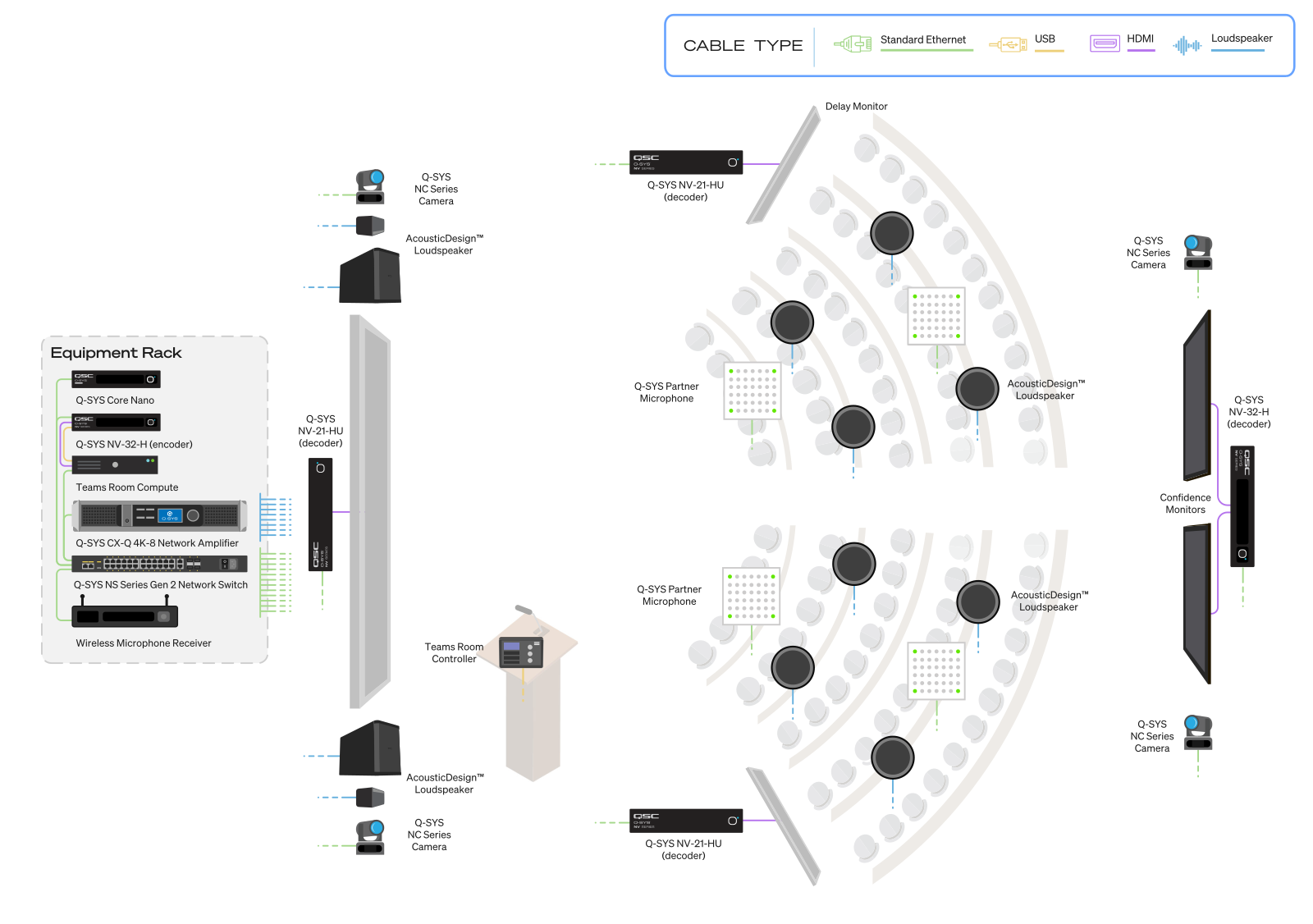
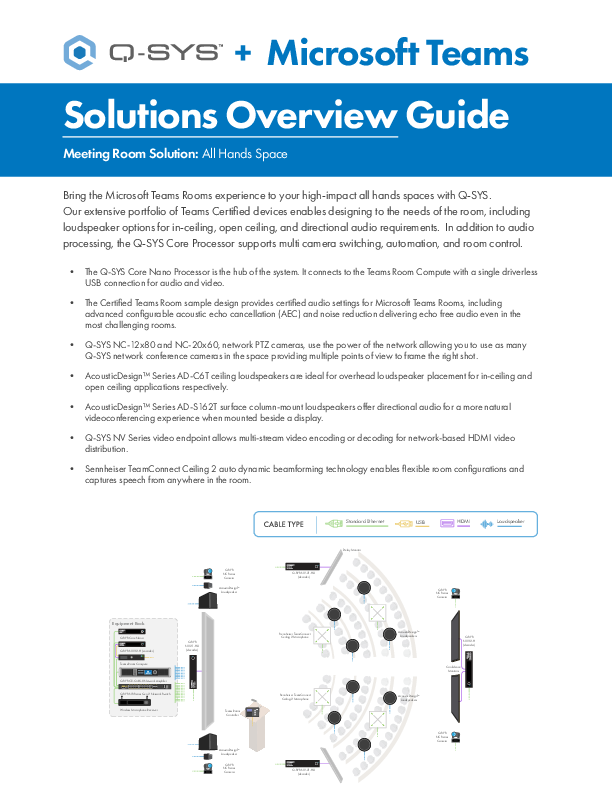
Q-SYS + Microsoft Teams Solutions Overview Guide: All Hands Space
Provides an introduction to the main elements to bring the Microsoft Teams Rooms experience to your high-impact all hands spaces with Q-SYS.
Available for download in Chinese (Simplified) | French | German | Spanish |
| Title | |
|
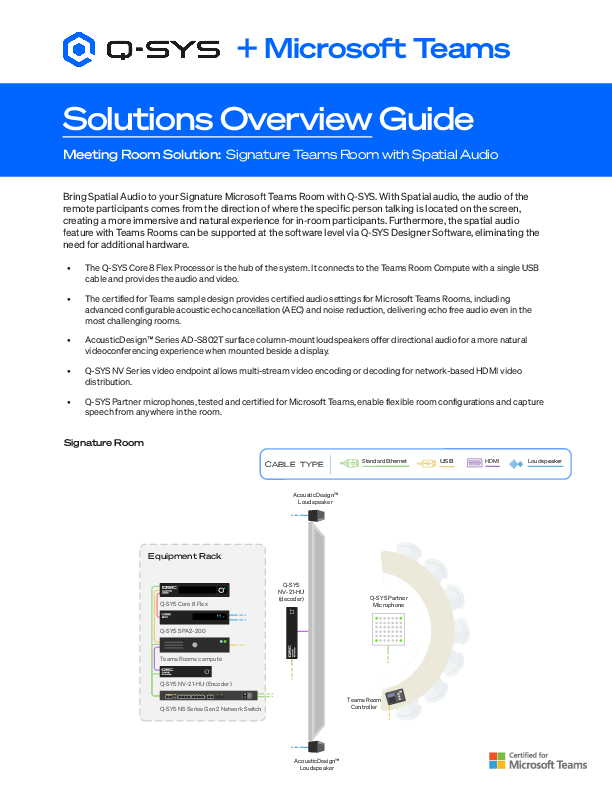
Q-SYS + Microsoft Teams Solutions Overview Guide: Signature Teams Room with Spatial Audio
Q-SYS + Microsoft Teams Solutions Overview Guide: Signature Teams Room with Spatial Audio
Available for download in French |
| Title | |
|
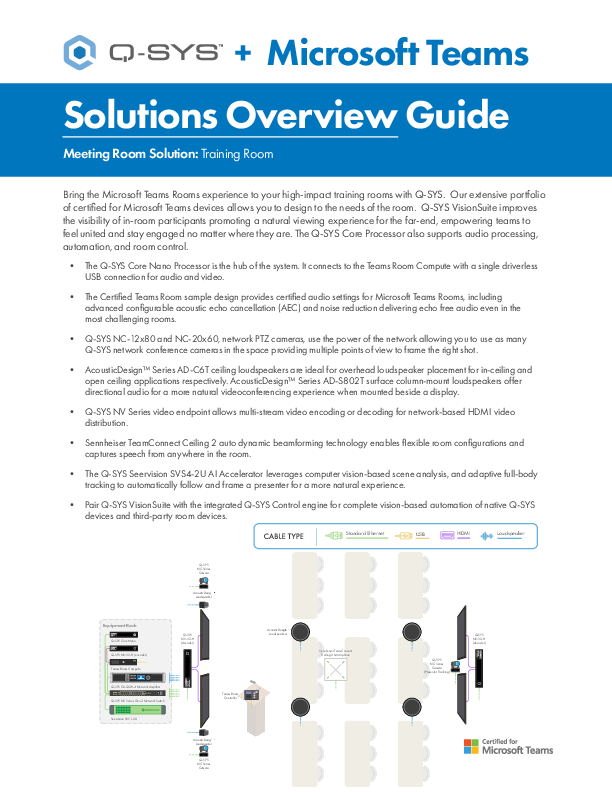
Q-SYS + Microsoft Teams Solutions Overview Guide: Training Room with Q-SYS VisionSuite
Provides an introduction to the main elements to bring the Microsoft Teams Rooms experience to your high-impact training rooms with Q-SYS using Q-SYS VisionSuite..
|
| Title | |
|
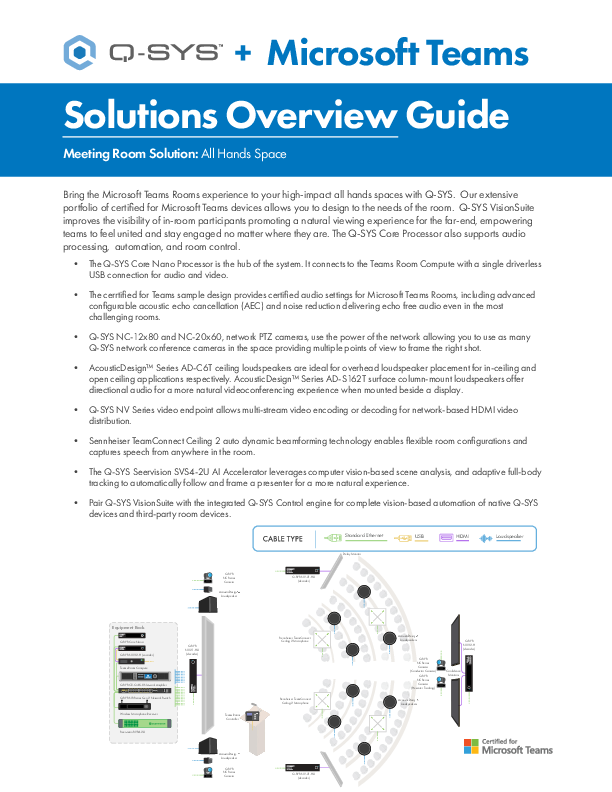
Q-SYS + Microsoft Teams Solutions Overview Guide: All Hands Space with Q-SYS VisionSuite
Provides an introduction to the main elements to bring the Microsoft Teams Rooms experience to your high-impact all hands spaces with Q-SYS using Q-SYS VisionSuite. (Archived)
|

Have additional questions?
Fill out your information and a representative from the nearest sales partner will assist you.